
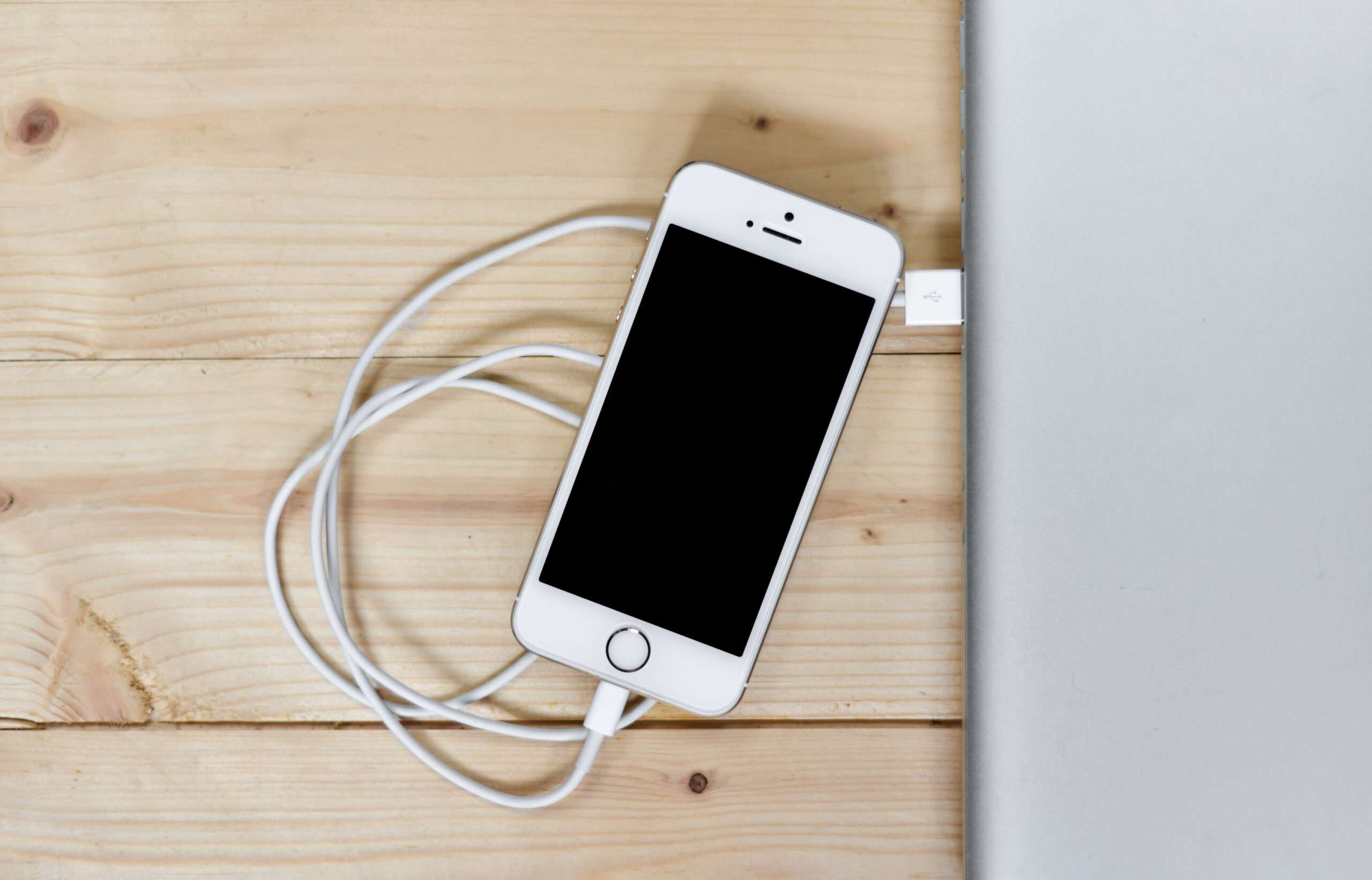
Smartwatch Charging Habits in 2026: Clean Desk Setup, Safer Power, Longer Battery Life
Wearables are getting better, but battery complaints are still one of the top reasons people replace a watch too early. In 2026, the trend is less about buying more chargers and more about building a cleaner, safer charging routine that protects your watch battery and keeps your desk manageable.
If your cable area is messy, your watch sits hot on charge overnight, or you keep swapping adapters with your phone, this guide will help you fix it with a simple setup that actually lasts.
Quick answer: the 2026 setup that works
- Use one stable charging spot instead of moving chargers around the house.
- Keep charging surfaces ventilated and away from direct heat.
- Pair your wearable routine with reliable phone charging accessories.
- Use cable organization so connectors are not bent or stressed daily.
Why this topic is trending
Search demand around “clean desk charging” and “battery health habits” keeps growing because users now charge multiple devices every day: phone, watch, and earbuds. The frustration point is rarely raw speed; it is daily friction and long-term battery wear from poor habits.
The winning setup in current buying behavior is minimal: fewer accessories, better placement, and reliable cables that do not fail after a few weeks.
The 5-part smartwatch charging checklist
1) Fixed placement
Choose one repeatable location on your desk or bedside table. Constantly moving the puck increases drops, connector wear, and forgotten charging.
2) Power consistency
Use a stable adapter and avoid random low-quality USB ports. Inconsistent power can create interrupted charging cycles and extra heat.
3) Heat control
Do not charge under pillows, thick cloth, or direct sunlight. Heat is one of the most common reasons watch batteries age quickly.
4) Cable protection
Use a cable path that avoids tight bends at the connector head. Most charging failures start at stress points, not in the middle of the cable.
5) Practical timing
Top up when convenient, not only at 0%. For many users, short daily charging windows are easier to maintain than emergency full cycles.
Accessory picks you can build around
Start with a dependable wearable in your daily system, like the smartwatch option available at GoShopr. Then add a reliable charging routine and desk organization around it.
If your workspace includes mixed devices, you can also keep visibility and routine with a simple wall time reference like the wall clock option, especially in shared work rooms where charging windows are scheduled.
For home setups where cable clutter creates stress, compact kitchen/desk appliances in the same zone should stay separated from charging lines; avoid routing power cables near steam or splash-prone areas. GoShopr’s broader catalog and shop page can help you keep one organized, practical accessories stack.


Common mistakes that ruin charging setups
- Mixing too many adapters and cables without labels.
- Charging on soft surfaces that trap heat.
- Bending cables sharply to make them “fit” around furniture.
- Ignoring damaged connector heads until charging becomes intermittent.
How to reset your desk setup in 15 minutes
- Clear the surface completely.
- Place watch and phone charging points first.
- Route cables along one edge using clips or sleeves.
- Test one full charging cycle for both devices.
- Remove duplicate chargers you never use.
FAQ
Should I charge my smartwatch overnight every day?
You can, but heat management and charger quality matter more than time alone. Keep the charging area cool and stable.
What causes most watch charging failures?
Usually cable stress near the connector, unstable adapters, or dirt on charging contact points.
Is one charging station better than multiple spots?
For most people, yes. A fixed location improves consistency and lowers cable damage risk.
Can a cluttered desk impact battery health?
Indirectly, yes. Clutter often leads to bent cables, blocked airflow, and accidental heat buildup.
How often should I replace charging cables?
Replace at the first signs of fraying, loose connector fit, or frequent charging interruption.
Final takeaway
The best 2026 charging setup is simple: one location, stable power, cleaner cable management, and accessories that match your actual routine. Browse current options in the GoShopr catalog, then build a setup you can keep for months, not just a week.
Related reading: Qi2 Charging Setup 2026 and Phone and Watch Charging Setup Guide.


3 thoughts on “Smartwatch Charging Habits in 2026: Clean Desk Setup, Safer Power, Longer Battery Life”