
Search behavior in early 2026 shows buyers are less impressed by headline specs alone and more focused on daily comfort, stable connectivity, and battery reliability. If you are shopping wireless earbuds this month, the smartest approach is to map your use case first, then match fit, codec support, charging habits, and controls to that reality.
This guide breaks down what actually matters now, with a practical buying framework and product-category links you can use immediately.
Image source (free stock): Wikimedia Commons – Iwatch.png
Direct image URL: https://commons.wikimedia.org/wiki/Special:FilePath/Iwatch.png
Alt text: Close-up of a wearable smartwatch on a wrist, showing strap and device detail.
Fast answer: what to prioritize in 2026
- Fit and seal quality first; sound quality depends on it.
- Real battery life with ANC on matters more than box claims.
- Connection stability in crowded spaces is now a key differentiator.
- Choose a charging setup that fits your desk and travel routine.
Why earbud buying changed this year
Two shifts changed the market. First, more people run multi-device days: phone, laptop, smartwatch, and sometimes tablet. Second, remote and hybrid work means earbuds are used for both calls and focused listening. That combination exposes weak microphones, unstable handoff behavior, and charging friction quickly.
In short: 2026 buyers are choosing consistency over hype.
Step 1: define your listening profile
Commuter profile
You need strong noise control, secure fit, and reliable quick-charge. Prioritize physical comfort over maximum driver size.
Work-call profile
Mic clarity and wind rejection are non-negotiable. Look for earbuds with predictable call behavior when switching between laptop and phone.
Gym profile
Sweat resistance, low movement noise, and stable in-ear grip matter most. Touch controls should not trigger accidental commands during movement.
Step 2: battery life numbers that actually matter
Do not judge by “up to” numbers alone. Use this practical benchmark:
- Single-charge target with ANC active: 5–7 real hours for daily confidence.
- Case top-up speed: a short charge should reliably cover one commute or one workout.
- Battery health plan: avoid constant 0–100 deep cycles when possible.
If your charging routine is messy today, start with a cleaner power station setup and cable management. This is where accessory planning helps more than chasing another model refresh.
Step 3: build a cleaner charging and carry setup
Most “my earbuds die too fast” issues are routine problems, not hardware failure. Improve your setup with dependable accessories and repeatable placement habits:
- Keep a compact power point near your desk or bedside using products from the shop.
- If you already run wearables, combine your setup with compatible watch accessories like the Transparent Apple Watch Ultra Case with Silicone Strap and the Luxury Metal Watch Case Fluororubber Strap.
- For travel kits, streamline with small-format charging items and one consistent storage pouch.
Step 4: avoid the most common buying mistakes
- Buying for codec names only: codec support helps, but poor fit and weak tuning still ruin listening.
- Ignoring ear tip sizing: wrong tips reduce bass, worsen ANC, and increase listening fatigue.
- Skipping call tests: many users discover weak mic quality only after purchase.
- No charging routine: random charging equals random battery confidence.
How to compare two models quickly
Use one 15-minute comparison routine before buying:
- Test seal with your usual playlist and volume level.
- Walk for two minutes and note movement noise.
- Place one call in a noisy environment.
- Check case size in your real pocket or bag.
- Confirm your daily charging point and cable compatibility.
Troubleshooting checklist after purchase
- Update firmware in week one.
- Re-run ear tip fit test after two days.
- Disable unused gestures that cause accidental input.
- Create one default storage location so earbuds always return to case.
FAQ
Do I need ANC for everyday use?
If you commute or work in shared spaces, yes. For quiet-home listening, passive isolation can be enough.
How important is multipoint connection?
Very important for laptop + phone workflows. It reduces reconnection friction throughout the day.
Is higher price always better?
No. Fit, call quality, and charging behavior often matter more than headline brand tiers.
Should I charge earbuds every night?
Charge based on your use pattern. Short regular top-ups are often more practical than full deep cycles.
Can watch accessories improve earbud workflows?
Yes, indirectly. Better wrist-device setup often means cleaner notification and call control while earbuds are in use.
What is the best first upgrade if I already own decent earbuds?
Improve your charging station and carry setup first. Convenience upgrades usually deliver the fastest day-to-day improvement.
Continue reading
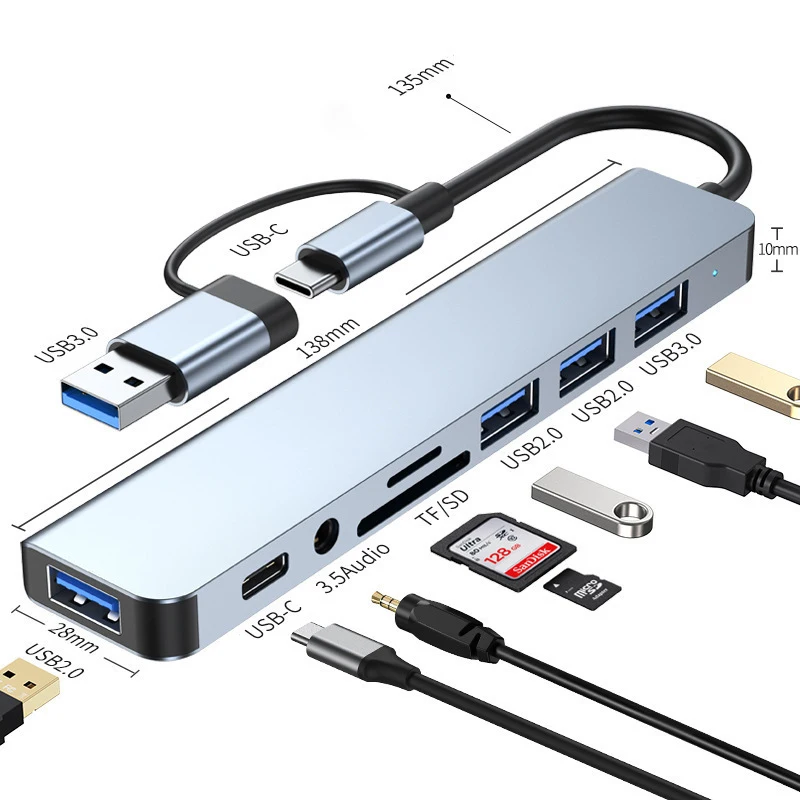
For related setup strategy, read USB-C Hub Setup Guide 2026 and Smartwatch Charging Habits in 2026. You can also browse current categories including watches and computer accessories.



One thought on “Wireless Earbuds Buying Guide 2026: Fit, ANC, Battery, and Daily Charging Setup”