Apple Watch Charging Setup 2026: A Safer Daily Routine for Better Battery Health and Cleaner Desk Use
Most Apple Watch charging problems are not hardware failures. They come from setup habits: poor charger placement, heat buildup, dirty charging surfaces, and all-night charging patterns that don’t match your actual routine. In 2026, the smartest upgrade is not buying random accessories. It is building a charging routine that protects battery health and reduces friction every day.
This guide gives you a practical desk-and-bedside setup with compatible accessories from GoShopr, plus a maintenance plan you can keep long term.
Quick Answer: Best Apple Watch Charging Routine in 2026
- Enable battery health optimization settings on the watch.
- Charge in a cool, ventilated spot, not under pillows or soft fabric.
- Use a stable stand/case setup so the charging puck aligns cleanly every time.
- Clean charger surface and watch back weekly to prevent intermittent charging.
- Keep one fixed charging zone for consistency at home and one compact travel setup.
What’s Trending in 2026 Charging Habits
Recent Apple Watch coverage and user behavior trends point to three priorities:
- Battery health preservation over “always 100%” charging
- Heat management during charging cycles
- Workflow consistency so charging is reliable, not random
That means your accessories should support alignment, airflow, and easy cable control. Fancy features matter less than repeatable performance.
Step 1: Build a Stable Charging Base
If the watch shifts off the charging puck during sleep or desk movement, your routine breaks immediately. Use a setup that holds watch + strap position consistently.
Useful starting points:
- Transparent Apple Watch Ultra Case with Silicone Strap
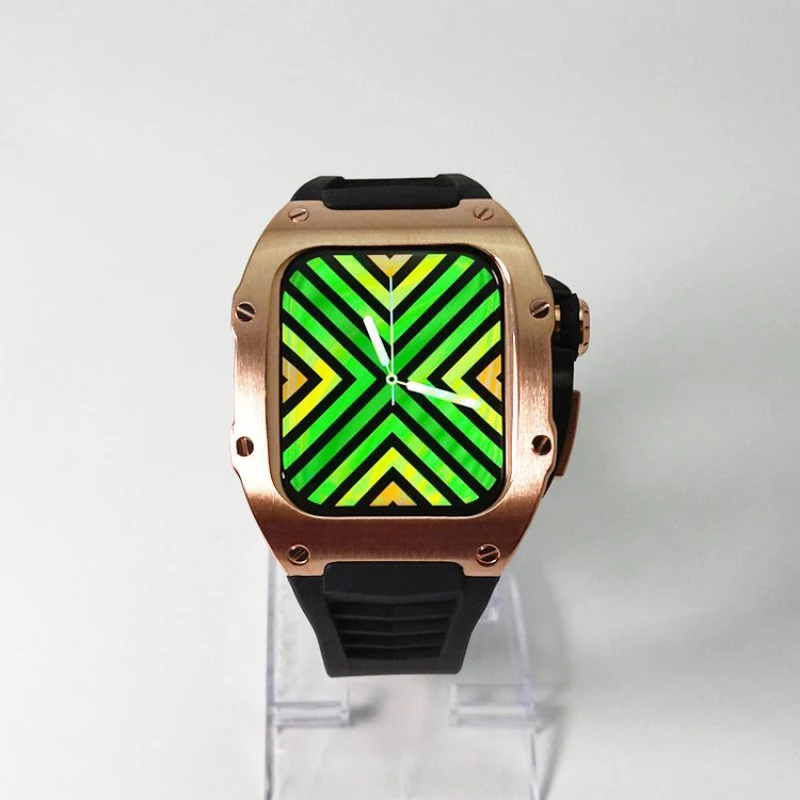
- Luxury Metal Watch Case + Fluororubber Strap for Apple Watch
- Retro Flower Elastic Nylon Band with Case (40mm)
- Retro Flower Elastic Nylon Band with Case (49mm–38mm)
Why this matters: a secure case/band fit reduces micro-movement and helps maintain magnetic contact when the watch is placed on charger at night.
Step 2: Protect Battery Health Through Timing, Not Guesswork
Use optimized charging features
Apple Watch battery settings include optimization behavior designed to reduce time spent at full charge. Keep these enabled unless you have a specific short-term need.
Avoid unnecessary heat during charge cycles
Heat is one of the fastest ways to age lithium-ion batteries. Don’t charge on heat-trapping surfaces, and avoid direct sun exposure on windowsill chargers.
Charge around your schedule
If you track sleep, shift charging to short windows (morning prep + desk work block) instead of one long overnight session. Short controlled top-ups are often easier to maintain than irregular full drains.
Step 3: Keep the Charger Contact Area Clean
A very common cause of slow/interrupted charging is residue on the watch back or charger face.
- Once a week: wipe watch back and puck with a soft dry microfiber cloth.
- If needed: slightly damp cloth (not wet), then dry fully before charging.
- Check case edges: bulky or misaligned cases can affect seating angle.
If you rotate straps frequently, store them in one zone so swapping bands does not become a cable-management mess.
Step 4: Create a Two-Zone Setup (Home + Travel)
Home desk zone
Use a fixed charger location with cable strain relief and enough airflow around it. Keep nearby accessories minimal so the watch can be docked in one motion.
Travel zone
Use a compact pouch containing charger, short cable, and one backup strap. This reduces emergency charging habits that usually happen with poor placement and tangled cables.
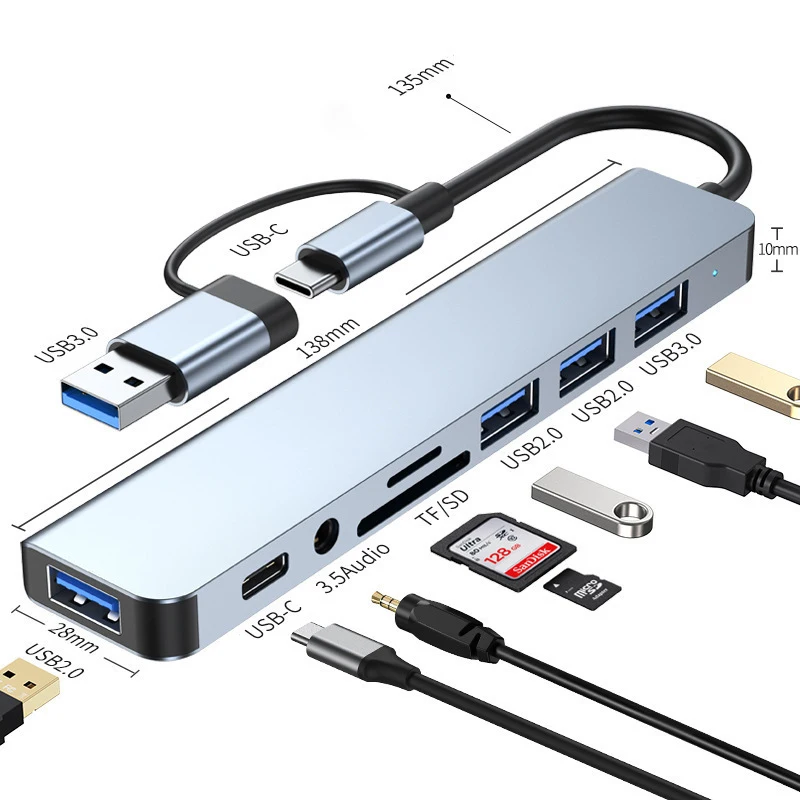
For cable-heavy workflows, browse related computer accessories. If you also track workouts or notifications heavily, check the watches category for compatible options.
Mistakes to Avoid
Charging in heat-prone spots
Warm ambient temperature + thick fabric + case insulation can increase charging heat noticeably.
Using random weak adapters
Inconsistent power sources can cause slower or unstable charging behavior. Use a reliable adapter and keep cable quality consistent.
Ignoring fit compatibility
A good strap that is wrong for your wrist use case (sleep vs workouts vs office wear) usually gets replaced often, creating unnecessary handling and setup instability.
Practical Weekly Charging Checklist
- Battery optimization setting still enabled
- Charger face cleaned
- Watch back cleaned
- No frayed cable areas
- Charging position still cool and ventilated
- Travel kit packed for next week
FAQ
Is overnight charging bad for Apple Watch in 2026?
Not automatically, but long heat-heavy sessions can degrade battery health over time. Optimized charging + cool placement reduces risk.
Should I keep charging to 100% every day?
Only if your routine truly needs it. Battery-health features are designed to limit unnecessary full-charge dwell time.
Can watch cases affect charging?
Yes. Some cases alter alignment or trap heat. Confirm your case allows stable magnetic seating and airflow.
How often should I clean the charger and watch back?
Weekly is a good baseline. Increase frequency if you train frequently or wear lotions that leave residue.
Where can I find compatible Apple Watch accessories?
Start with the product links in this guide and browse GoShopr shop for additional options.
Image Source
Featured image source (free stock): Wikimedia Commons – Apple Watch Charger 3 (2018-10-16)
Alt text: Apple Watch on magnetic charging puck beside cable on a desk
A dependable charging setup is mostly about consistency. Once placement, airflow, and accessory fit are solved, battery health and daily convenience both improve.