
Charging has become the new daily bottleneck. Phones, watches, earbuds, and portable speakers all need power, but most desks and bedside tables are still a cable mess. The biggest 2026 shift is simple: people are moving to cleaner multi-device setups built around magnetic wireless pads, higher-output USB-C ports, and shorter, purpose-specific cables.
If you want a setup that actually feels faster, this guide shows what to buy first, what to avoid, and how to pair accessories so your phone and watch are always ready without turning your desk into a tangle.
Quick answer: the 2026 charging setup that works
- Use one main charging station at your desk and one compact fallback charger for travel.
- Choose USB-C cables by use case (desk, car, bedside), not one cable for everything.
- Keep watch charging separate from phone charging if heat or alignment is inconsistent.
- Build around your real devices first, then add extras like stands and cable clips.
What is trending in 2026 charging accessories
Trend research this season points to three practical upgrades: stronger magnetic alignment for wireless pads, compact high-output wall adapters, and simplified desk layouts with fewer exposed cables. The theme is efficiency, not gadget overload.
For most shoppers, that means combining a stable watch stand with a reliable phone cable and using category-specific accessories from one store so compatibility is easier to manage.
Step 1: map your device mix before buying

Write down exactly what you charge every day and every week. A daily setup might include phone + watch + earbuds. Weekly devices can include speakers, keyboard, or power bank. This list prevents overbuying and helps you choose ports and cable lengths correctly.
Start with these categories in our store:
- Watch accessories for stands and protective add-ons.
- Computer accessories for desk cable organization.
- Speakers and headphones if your audio devices share charging slots.
Step 2: build the core phone + watch station
The easiest high-impact upgrade is a fixed charging point that does not move around your desk. A solid watch dock keeps alignment consistent while your phone uses either magnetic wireless charging or a short USB-C cable.
Good anchors from our catalog:
- Samsung Galaxy Watch charger stand for stable watch placement.
- Transparent Apple Watch Ultra case + strap to protect daily-wear devices.
- Soft silicone strap/case for Apple Watch when comfort is priority.
Step 3: choose cables by zone, not by brand hype
Most charging frustration comes from cable mismatch. Keep one short cable (0.5–1m) for desk cleanliness, one medium cable (1–1.5m) for bedside use, and one rugged spare for travel. This reduces wear and keeps power delivery more predictable.
For desk setups, route cables behind a monitor arm or desk edge to reduce connector stress. If a cable bends sharply near the connector every day, it fails earlier no matter the price.
Step 4: avoid heat and throttled charging
Wireless charging convenience is great, but heat can reduce charging efficiency if alignment is poor. If your phone gets warm quickly, switch that session to cable charging and keep wireless for top-ups. The goal is stable daily behavior, not chasing peak watt numbers.
Watch charging also benefits from airflow. Avoid stacking watch docks directly against warm routers or speaker amps.
Two complete setup examples
Setup A: Work desk (phone + watch + earbuds)
Watch stand on the left side, short USB-C phone cable on the right, earbuds in center zone. Add one small cable tie point under the desk to remove slack. Result: faster drop-and-charge behavior with less cable drag.
Setup B: Bedside minimal setup
One compact charger, one medium cable, and a single watch dock. Keep accessories to a small tray so nothing slides behind furniture. This setup is ideal when you need quick overnight charging without bright, cluttered surfaces.
Mistakes that waste money
- Buying multi-port chargers before confirming your actual device mix.
- Using one long cable everywhere and replacing it every few months.
- Ignoring watch charging ergonomics and blaming the charger.
- Keeping old low-output adapters that slow down newer devices.
What to buy first from GoShopr
If you are upgrading in order, start here:
- A reliable watch charging stand.
- A protective strap/case combo you can wear daily.
- One audio accessory from headphones or speakers if those devices share your charging zone.
Then expand only when the base setup feels stable for a full week.
Continue reading
For deeper setup planning, read our latest posts in the GoShopr blog, including the Qi2 charging station guide and the desk charging setup guide.
FAQ: charging accessories in 2026
1) Is wireless charging enough as my only charging method?
For many users, yes for daily top-ups. Keep a cable option for faster recovery when battery is very low.
2) Do I need a separate charger for watch and phone?
Not always, but separate placement often improves consistency and reduces heat build-up.
3) How often should I replace charging cables?
Replace when you see connector looseness, visible fraying, or intermittent charging. Good routing extends lifespan significantly.
4) Why does charging speed vary even with the same charger?
Device temperature, battery health, cable quality, and app load all affect charging rate.
5) Are cheap adapters worth it?
Only if certified and stable. Unreliable adapters can cause slow charging and inconsistent behavior.
6) What is the best first upgrade for most people?
A stable desk charging layout with a proper watch stand and short high-quality phone cable.
7) Should I charge overnight every day?
It is common and generally fine with modern devices, but heat control and quality accessories still matter.
8) Where can I find matching accessories quickly?
Browse category pages on GoShopr and build from compatible items in one order.
Primary keyword: 2026 phone watch charging setup guide
Image sources used:
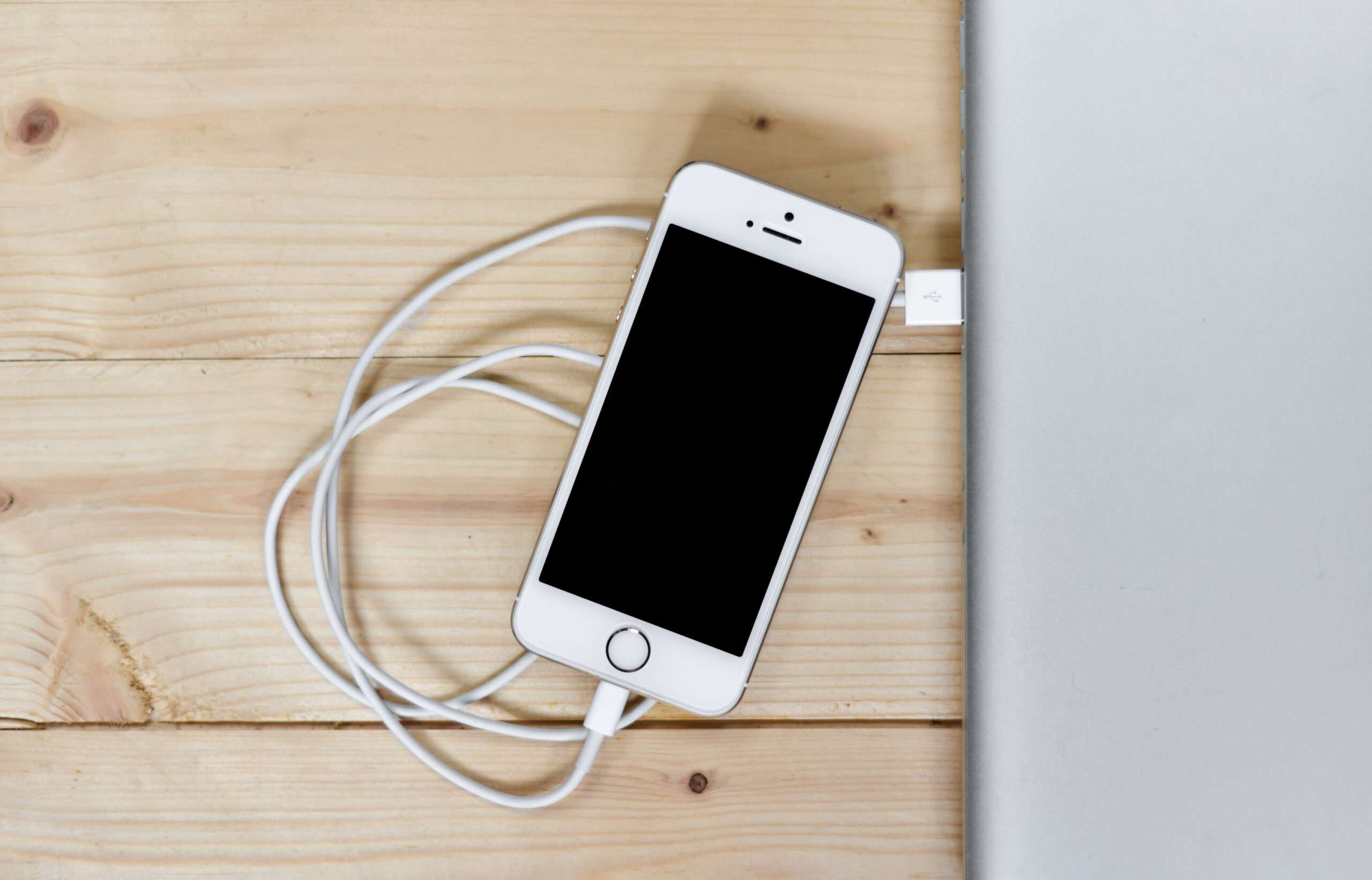
1) https://commons.wikimedia.org/wiki/File:Apple-iphone-smartphone-desk-1_(24217686692).jpg — alt: “Smartphone and smartwatch charging on a clean desk workspace.”
2) https://commons.wikimedia.org/wiki/File:Apple_Watch_Charger_1_2018-10-16.jpg — alt: “USB-C charging cable and charger arranged for a modern setup.”