Qi2 Charging Setup 2026: How to Build a Cleaner Phone + Watch Power Station
In 2026, the accessory setup that saves the most time is not another cable organizer. It is a simple Qi2-first charging station layout that handles your phone, watch, and daily audio devices in one predictable place. The trend is moving toward fewer loose chargers, stronger magnetic alignment, and cleaner desks that reduce cable wear.
If your nightstand or desk still has mixed adapters and random USB cables, this guide shows how to rebuild it in under an hour using practical accessory choices you can actually maintain.
Fast Answer: Best 2026 charging setup
- Use a Qi2-compatible magnetic charger as the center point.
- Add one dedicated watch charging stand to avoid cable tangles.
- Keep one short backup cable for travel or emergency top-ups.
- Route power from one surge-safe strip, not scattered wall adapters.
Why Qi2 layouts are replacing cable-heavy desks
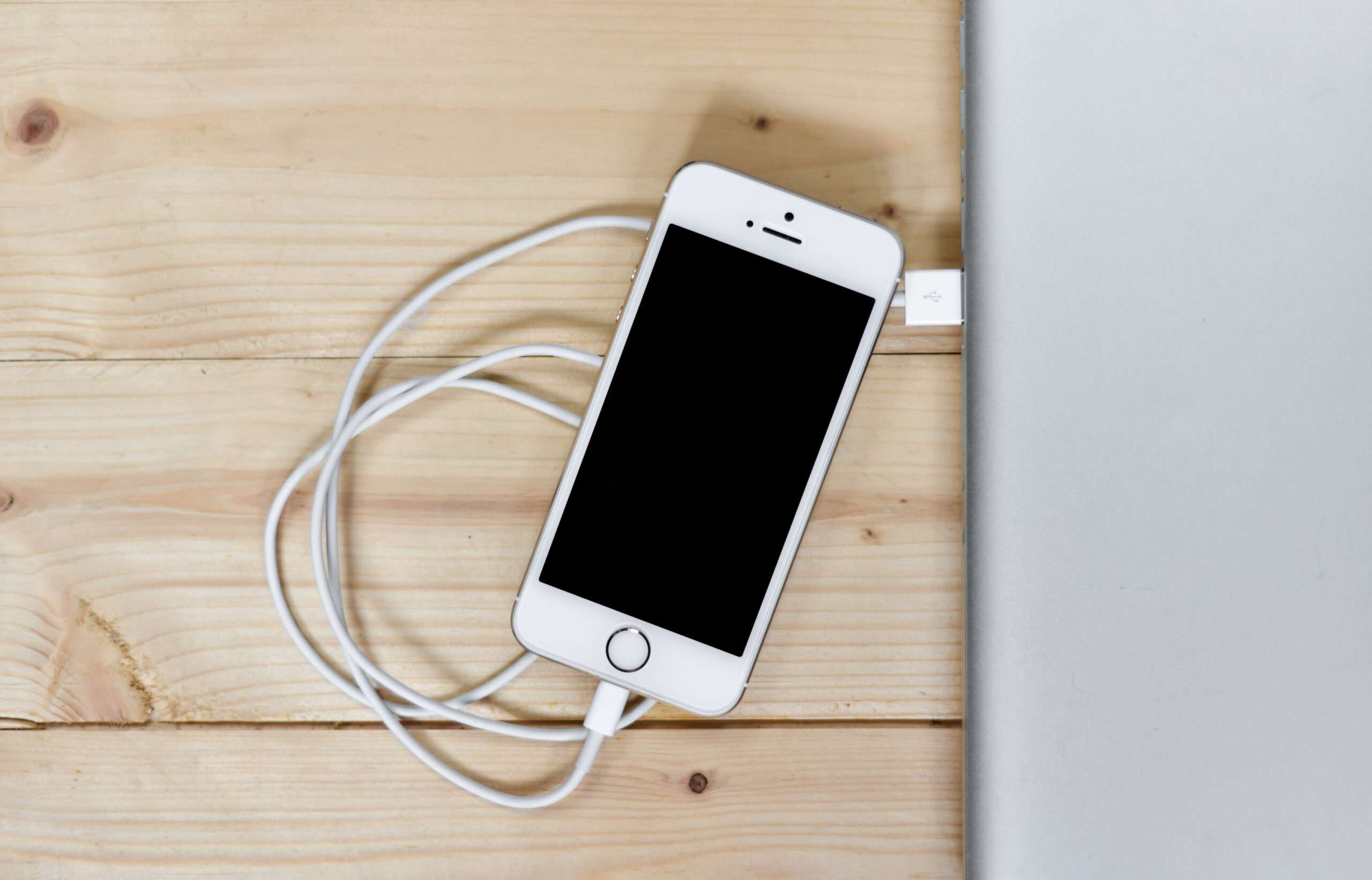
Magnetic alignment solves two daily problems: failed placement and slow accidental charging. A stable charging position means your phone starts charging immediately when dropped in place, especially at night. It also reduces port wear because you are plugging and unplugging less.
For mixed device users, separate watch placement matters too. A dedicated stand like this Galaxy Watch charger stand keeps the watch visible and easy to dock without knocking over your phone setup.
Build your station in 4 practical layers
Layer 1: Main phone charging point
Center your station around your most charged device: your phone. Keep it at arm’s reach and in line with your natural desk motion.
Layer 2: Watch docking lane
Place the watch stand to one side so straps do not overlap your keyboard or notebook space.
Layer 3: Audio and accessory zone
Reserve one area for earbuds/headphones and rotate by usage frequency. Browse options in headphones and speakers collections.
Layer 4: Protection + wearables
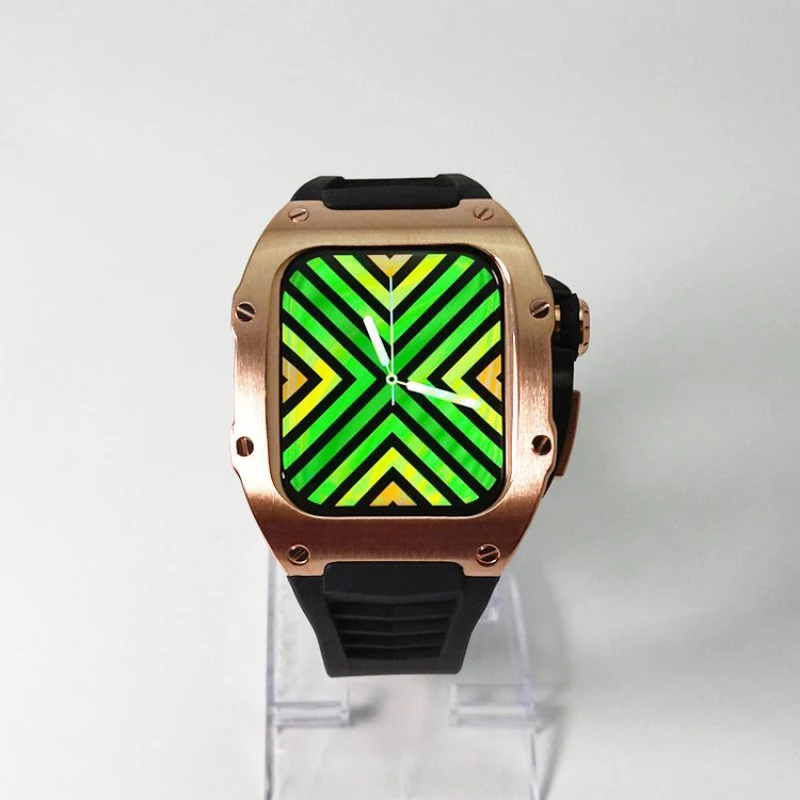
If your watch is part of the daily workflow, pair charging with quick protection upgrades such as transparent watch case options or silicone strap/case combinations.
Desk layouts that stay clean for months (not days)
The best setup is the one you can maintain. Use short cable runs and avoid crossing lines behind the charger pad. If your desk is shared, mark fixed charging spots so devices always return to the same location.
For broader accessory upgrades, check computer accessories and watches to build around your real routine instead of one-off impulse buys.
Mistakes that make charging stations frustrating
- Using long loose cables where short anchored runs would work better.
- Putting charger pads too close to metal clutter or stacked gadgets.
- No backup cable for firmware updates or travel.
- Mixing too many adapters from different power specs.
Simple weekly maintenance routine
- Wipe charging surfaces and watch stands once a week.
- Check magnetic alignment and coil contact points.
- Inspect cable bends near adapters.
- Remove unused accessories from the station.
Five minutes of maintenance keeps charging speed consistent and prevents gradual cable damage.
Internal reads before your next accessory upgrade
For more setup ideas, continue from the blog: GoShopr Blog, Qi2 Charging Station Guide, and Phone + Watch Charging Setup Guide.
FAQ
Is Qi2 worth upgrading to in 2026?
Yes, especially if you charge daily at a desk or nightstand. Magnetic alignment improves consistency and reduces placement errors.
Can I charge phone and watch from one station?
Yes. Use a magnetic phone charger plus a dedicated watch stand or dual-device layout with separate lanes.
Do I still need wired cables?
Keep at least one short cable for backup charging, travel, and occasional data or firmware tasks.
What is the most common setup mistake?
Overcrowding the station. Keep only daily-use items in the charging area and move everything else out.
How do I keep the desk from becoming messy again?
Use fixed device positions and short cables, then do a quick weekly reset to remove clutter.
Image sources (free stock):
1) https://upload.wikimedia.org/wikipedia/commons/0/01/MagSafe_and_USB-C_Cable_Charger_for_iPhone.jpg — Alt: Magnetic phone charger and cable setup for a modern desk charging station.
2) https://upload.wikimedia.org/wikipedia/commons/7/7c/Wireless_Charger_white_front.jpg — Alt: Minimal wireless charging pad used for phone charging setup.